
How will you use
OrbisOffensive?
OrbisOffensive?
Select your setup to see the relevant documentation.
Select your setup to see the relevant documentation.
Player Manual
Three steps are all you need to jump into a match.
When using OrbisOffensive as a mod, permission management works differently than on a dedicated server. There is no role-based permission system, so any player who wants to join matchmaking queues must have OP status. This requirement does not apply when running OrbisOffensive as a server plugin.
Right-click with the book in your hand to open the mode and map selector, or type /queue. Pick your preference and wait for the lobby to fill up.
At the start of each round you have 15 seconds to buy. Open the shop with /shop or press G while holding any item in your hand.
To leave the queue before the match starts, right-click with the book again or type /leave. To return to the lobby at any time use /lobby.
Two completely different modes. One to warm up, one to win as a team.
A free-for-all mode where every player fights on their own. The goal is to rack up as many eliminations as possible before time runs out.
Two teams of 5 players face off in tactical rounds. The first team to win 5 rounds takes the match.
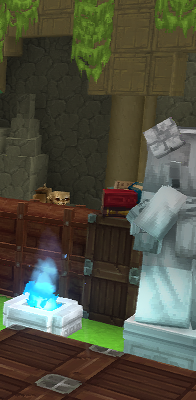
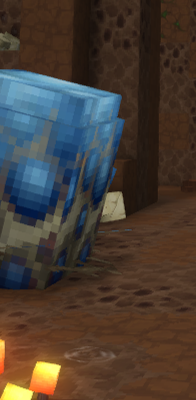
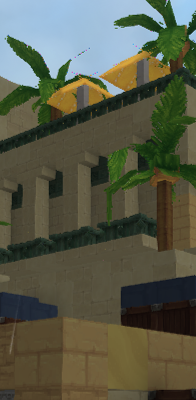
Three distinct environments, selectable when you join the queue. The system picks the most voted one.
Open the shop with /shop or press G during the 15-second buy phase at the start of each round.
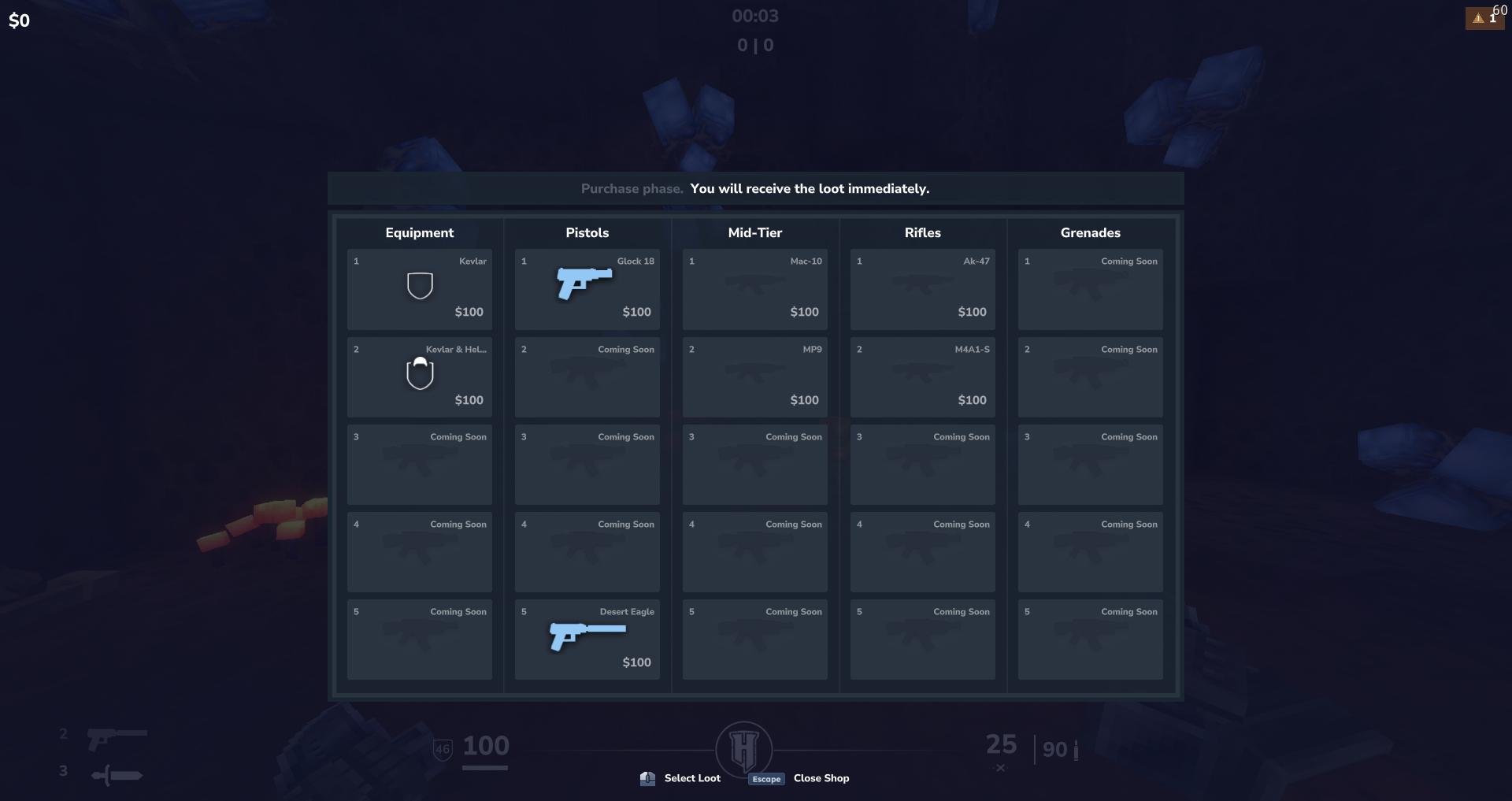
 Kevlar
 Kevlar + Helmet
 Glock 18
 Desert Eagle
 P250
P250
 Five-SeveN
 Mac-10
 MP9
MP9
 AK-47
AK-47
 M4A1-S
 AWP
AWP
 MAG-7
MAG-7
 Sawed-Off
All items are free — no purchase restrictions. Buy anything you want, as many times as you want.
Dynamic economy. Earn money from kills and round wins. Manage your budget wisely each round.
Form a party with your friends. The leader controls when you enter the queue.
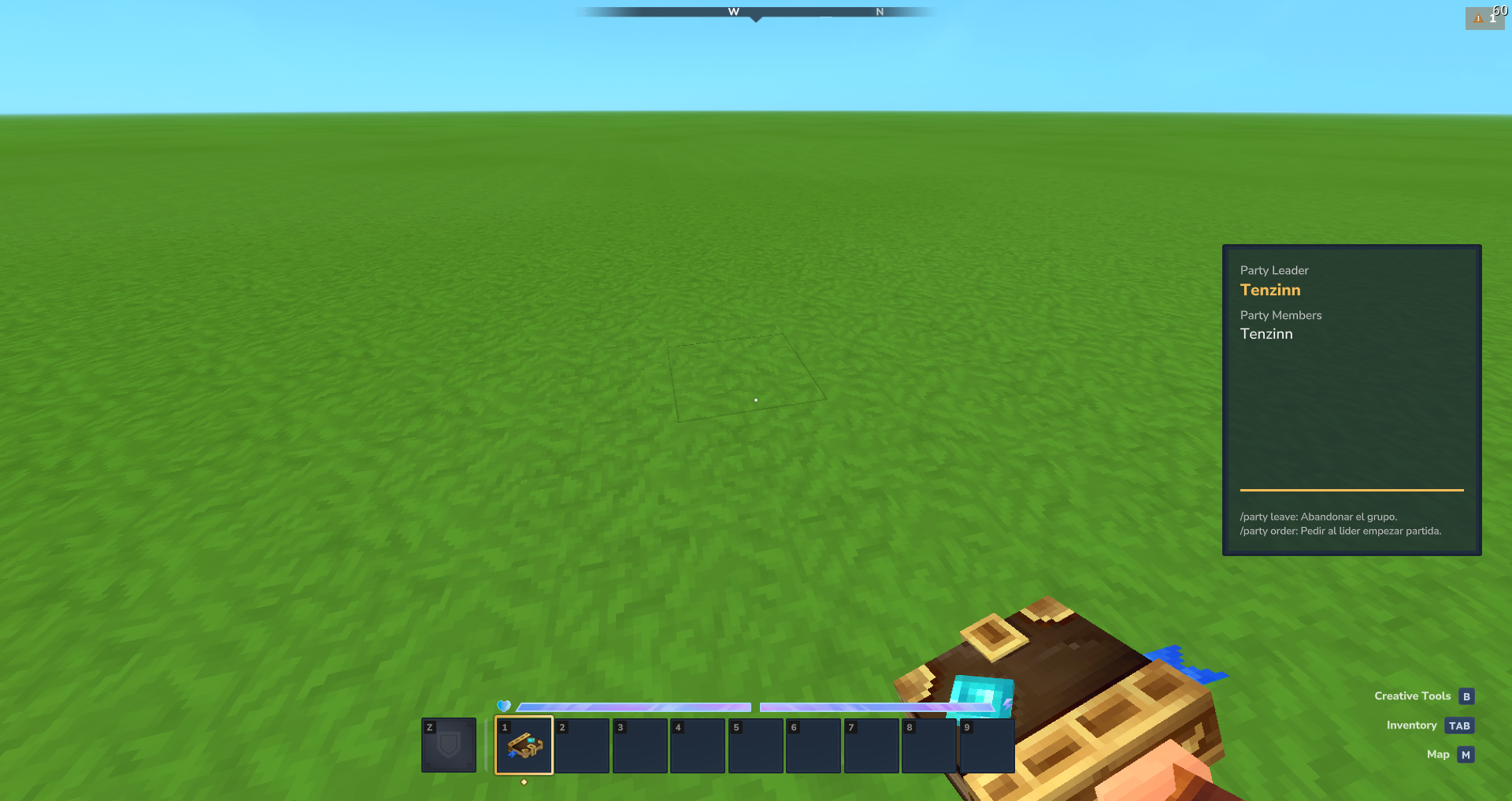
| Action | Command |
|---|---|
/party create | Create a party |
/party invite --user=[NAME] | Invite a player |
/party join | Accept an invitation |
/party decline | Decline an invitation |
/party leave | Leave the current party |
/party order | Ask the leader to queue |
Everything on screen during a match and what each element means.
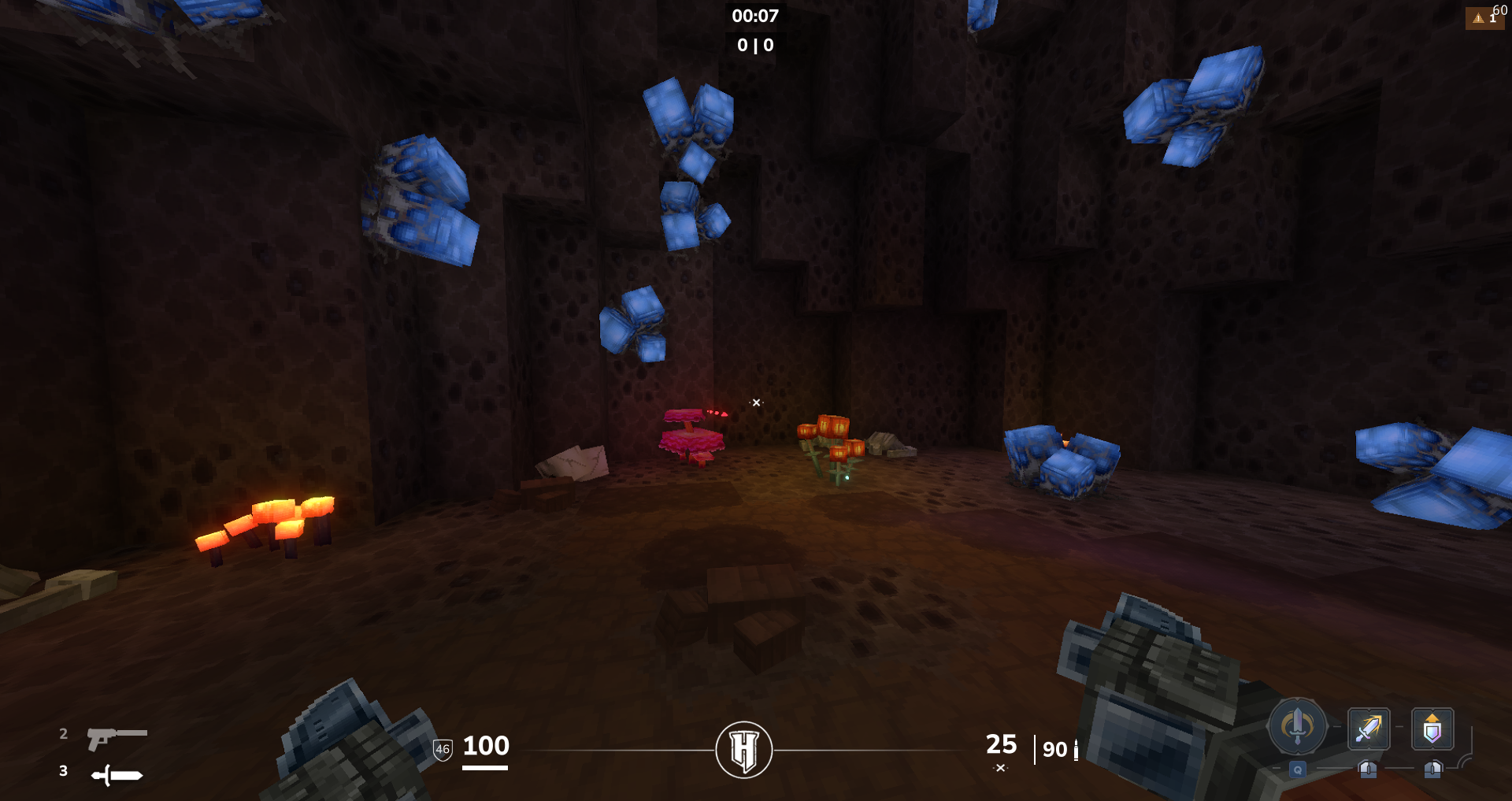
Quick reference for every command available to players.
| Command | Description |
|---|---|
| General | |
/queue | Join the queue — opens the mode and map selector |
/leave | Leave the queue (only while waiting, not during a match) |
/lobby | Return to the main lobby from anywhere |
/shop | Open the weapon and equipment shop |
| Party | |
/party create | Create a new party |
/party invite --user=[NAME] | Invite a player to your party |
/party join | Accept a pending party invitation |
/party decline | Decline a party invitation |
/party leave | Leave the current party |
/party order | Ask the leader to put the party in queue |
These commands are only available to operators. They give direct control over matches, economy, and players.
| Command | Description |
|---|---|
| Match Control | |
/forcestart | Force an immediate match start, skipping the lobby wait |
/game status | Display the current state of all active game instances |
| Round Control — FvF only | |
/round t1 | Award a round win to team 1 |
/round t2 | Award a round win to team 2 |
/round w1 | Force team 1 to win the entire match |
/round w2 | Force team 2 to win the entire match |
| Economy | |
/revenue give --user=[NAME] --amount=[N] | Give a specific amount of money to a player |
| Party | |
/party throw --user=[NAME] | Force-add a specific player into the party |